
As you prepare your Canvas courses for the fall semester, a new resource is available to help make sure your course is ready for students. The Michigan Tech Canvas Course Readiness Guide is now included in all Canvas course shells and provides a practical checklist of items to review before the semester begins, along with additional recommendations for maintaining your course throughout the term.
The guide is designed to help instructors catch common Canvas setup issues before they create confusion for students. The initial Course Readiness section focuses on the most important tasks to complete before students enter the course. These include importing content from a previous course, adding an accessible syllabus, checking assignment groups and grading schemes, organizing course navigation, publishing essential Week 1 content, and using Student View to make sure students can see and access what you expect.
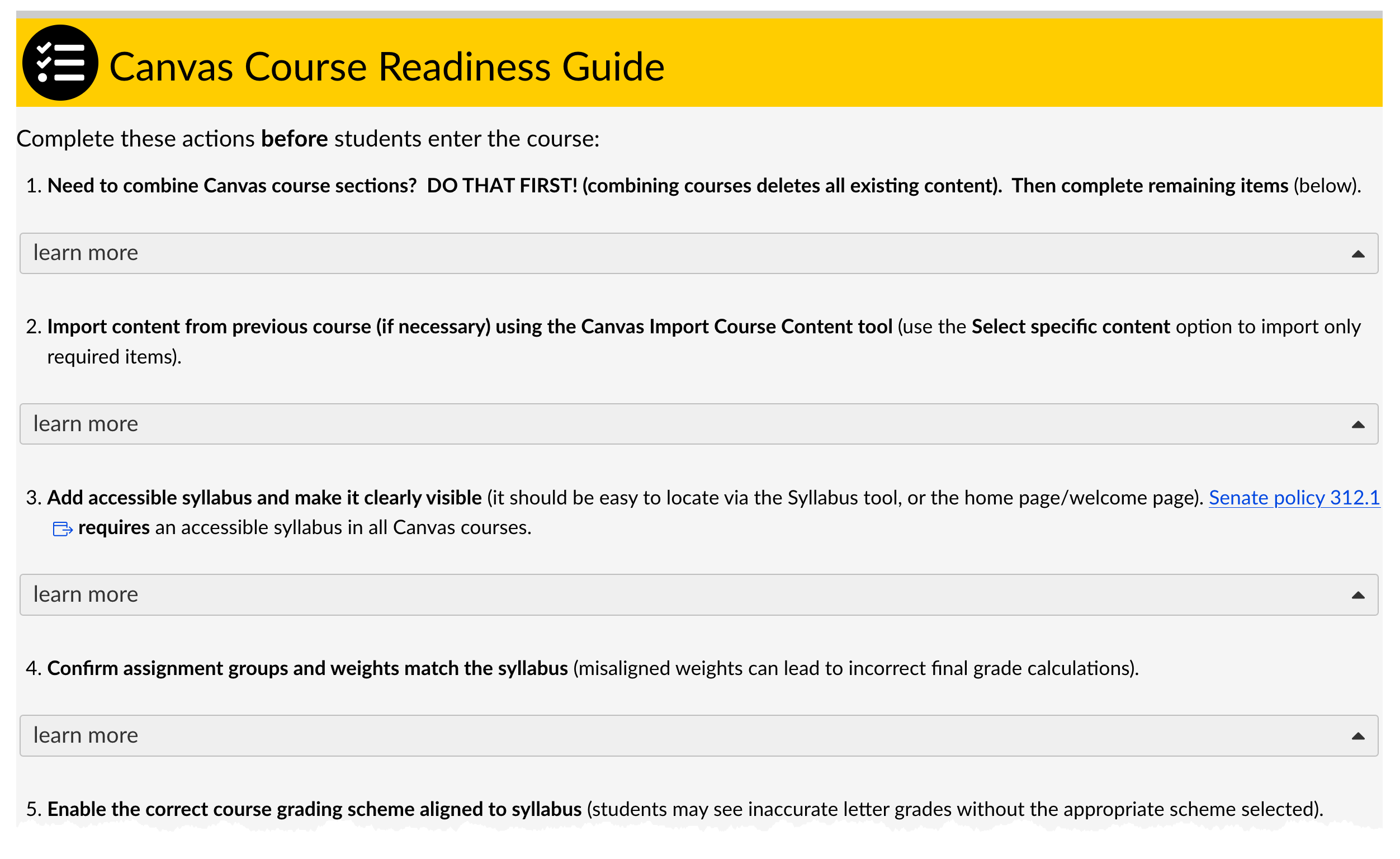
The guide also calls attention to a few easily overlooked Canvas details that can have a significant impact on students. For example, courses must be published before students can access course content or receive Canvas announcements. Instructors using Course Access Materials should also confirm that the appropriate navigation link is visible and that the correct materials are available.
Beyond the start of the semester, the Comprehensive Course Maintenance section provides additional suggestions to consider as you build and manage your course throughout the term. Topics include gradebook settings, assignment and availability dates, module organization, communication practices, Huskycast video access, and assignments connected through external tools such as Gradescope or publisher platforms.
Each section also includes links to relevant Canvas Guides and Michigan Tech resources, making it easy to find additional instructions when you need them.
As you prepare your fall courses, take a few minutes to review the Canvas Course Readiness Guide available in your course shell. A short check now can help prevent common problems once students arrive and help provide students with a smoother start to the semester.
Questions about Canvas or course setup? Contact the CFE support team at elearning@mtu.edu for assistance.