
This snippet creates a layout with an image or an image and text on the left and heading/text on the right. You can choose whether or not to wrap the text on the right around the left content and whether or not to include a horizontal rule on the last item in the snippet.
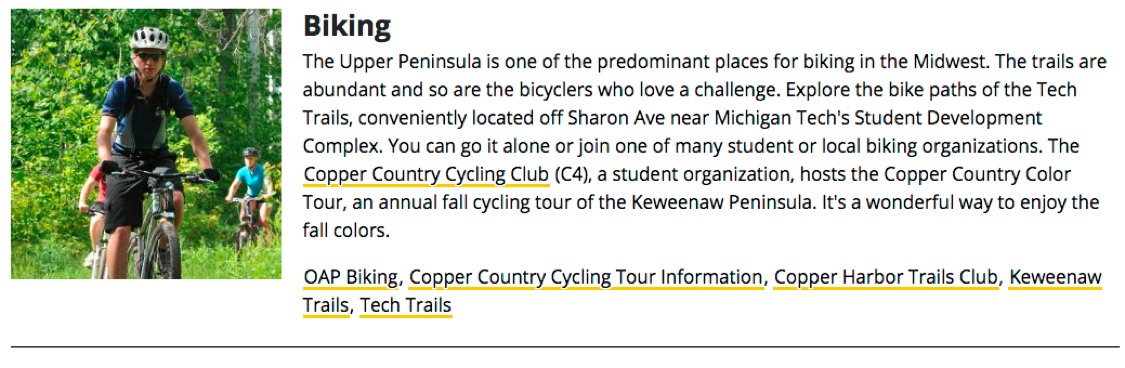
This snippet is no longer available. Instead, you can use the Image with Caption snippet (even if you don’t have a caption!) or link text directly to the image.
To create a new page or section,
- From the Pages list view navigate to the folder in which you want to create the new content.
- Click on the +New button at the top of the page.
- Select the type of item you want to create.
If you are creating a tab level folder that will not have a landing page, you should still create a New Section, not just a Folder.
