To get access to Modern Campus CMS and receive training, the site’s web liaison should fill out the Modern Campus CMS Access Request Form.
For additional help, please email webmaster@mtu.edu.

To get access to Modern Campus CMS and receive training, the site’s web liaison should fill out the Modern Campus CMS Access Request Form.
For additional help, please email webmaster@mtu.edu.
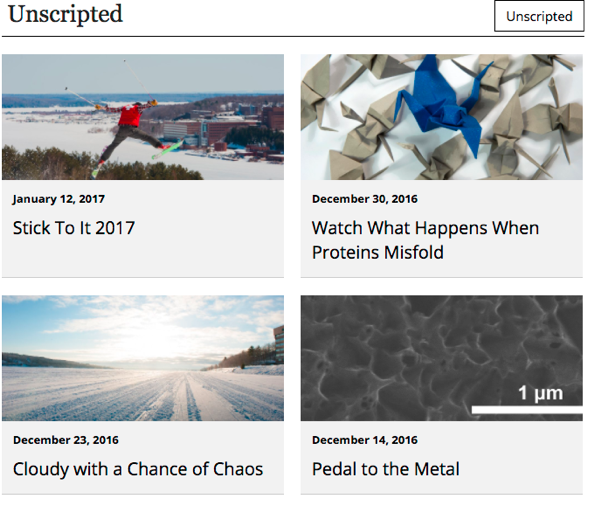
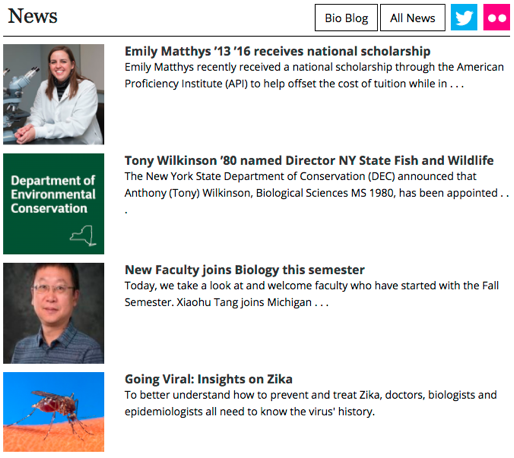
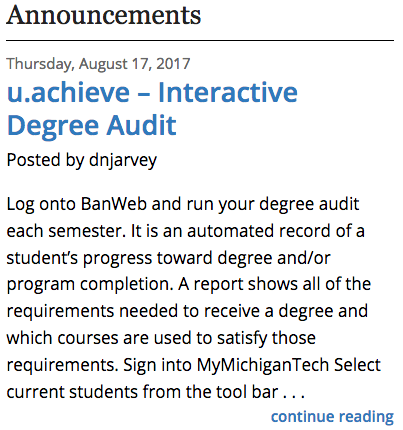
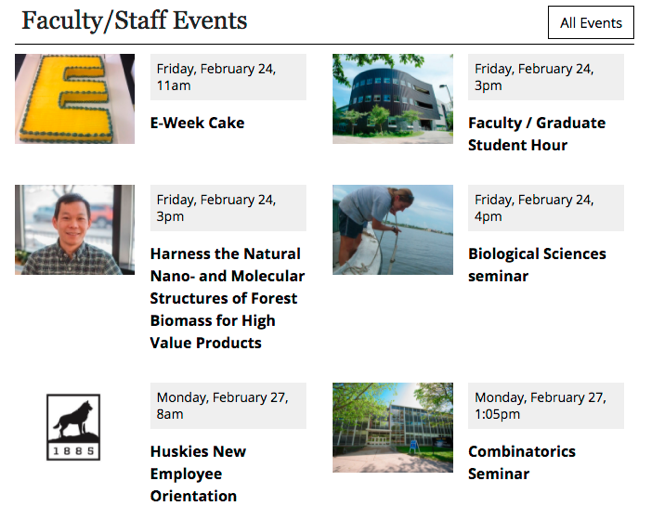
Use this snippet to display a feed of news, blog posts, or events on your page. You can combine multiple feeds. This snippet includes a styled heading and the option for buttons or social media links in the heading.
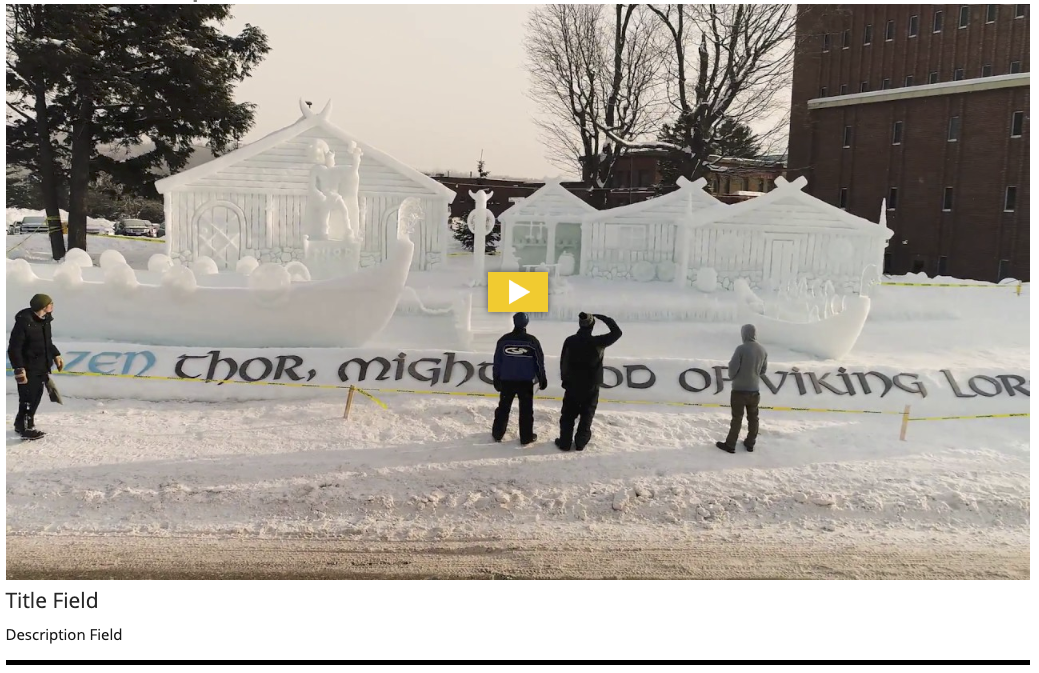
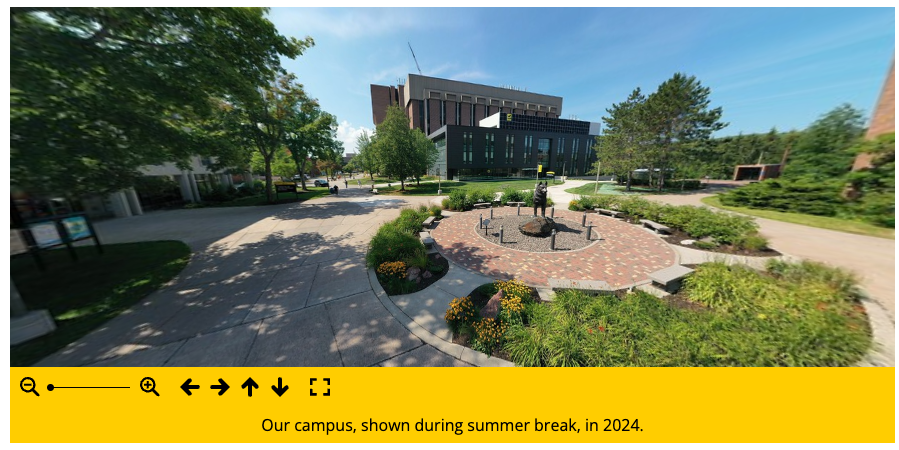
This snippet creates an embedded video or 360 image in your page’s main content area, additional content area, or right sidebar. To include a video at the very top of the page (known as the mediazone or hero area), follow the instructions for MultiEdit Content.
The size of the video/image will automatically adjust based on the location you insert it. A title and description can be included beneath it.
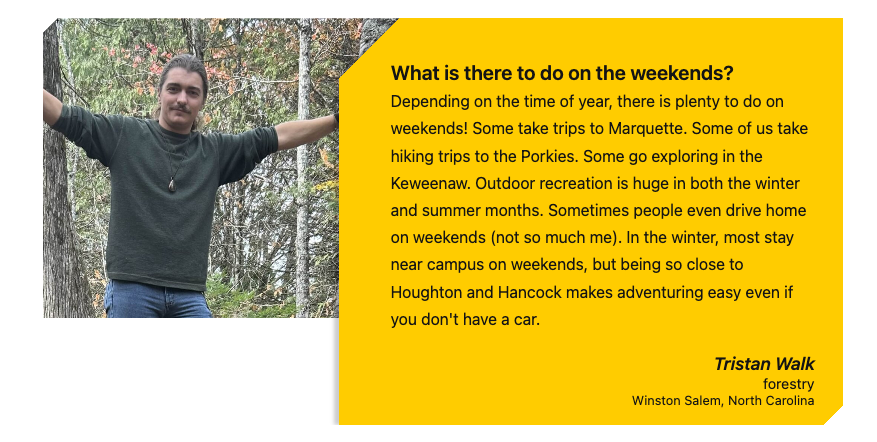
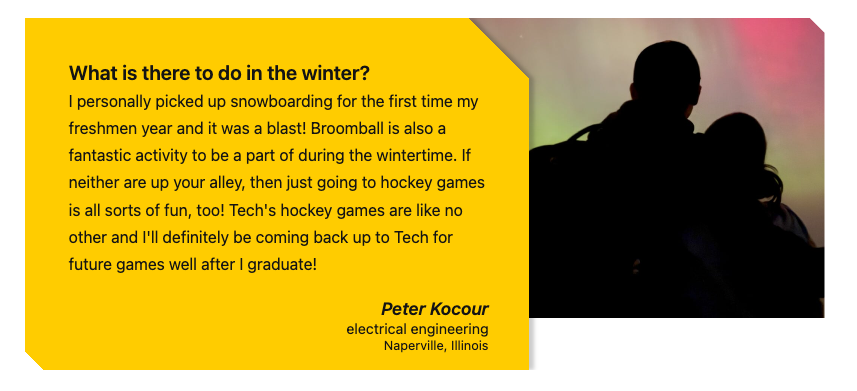
This snippet allows you to create a styled testimonial quote with a photo. The photo can go on the right or the left of the gold box.
When considering using stock photography in your marketing projects, lean into the authenticity that helps shape Michigan Tech’s brand. The UMC Studio Team has put together a guide for when to use (and not use) stock photography.
When choosing to use stock photography for marketing projects (e.g., blogs, emails, print, PDFs, social media, websites), it is the department’s responsibility to take a few additional steps to ensure images are used appropriately and documented properly. These best practices help protect the university, support long-term content management, and make it easier to address questions about image usage in the future.
At Michigan Tech, our strongest visual asset is our people. Our students, faculty, researchers, and campus environments tell a story that no stock image can fully replicate. While stock photography can be a helpful tool, it should never replace authentic visuals when real, relevant Michigan Tech imagery is available.
This guide is meant to help you decide when stock images make sense, how to choose them well, and why authenticity matters so much to our brand.
With our CMS vendor’s upcoming retirement of the Form Assets in 2026, the Digital Strategy and Services team recommends switching to Google Forms, as they are easy to use and widely recognized. While UMC does not directly support the Google suite of products on campus, we want to provide some best practices for implementing their use on your CMS website.
This snippet creates a deck of YouTube videos that the user can scroll through, select, and play. You can use an existing YouTube playlist or multiple individual videos.

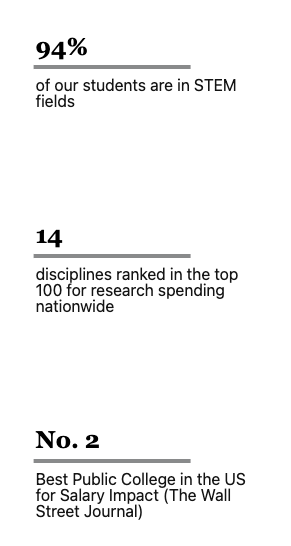
This snippet creates a row of statistic touts with either a vertical or horizontal colored line. The number or statistic part of the tout is larger and bolder and the remaining text appears beneath. The statistic can be linked or not.

There are many common issues you can watch for and best practices you can follow on your webpages to help increase the quality and search engine optimization (SEO) of your pages, meet accessibility requirements, and follow Michigan Tech’s editorial standards.
Specific instructions that may be included in this information are for Michigan Tech’s Modern Campus CMS.
